How to Update and Deploy Multi-Container ECS Task Definitions with GitHub Actions
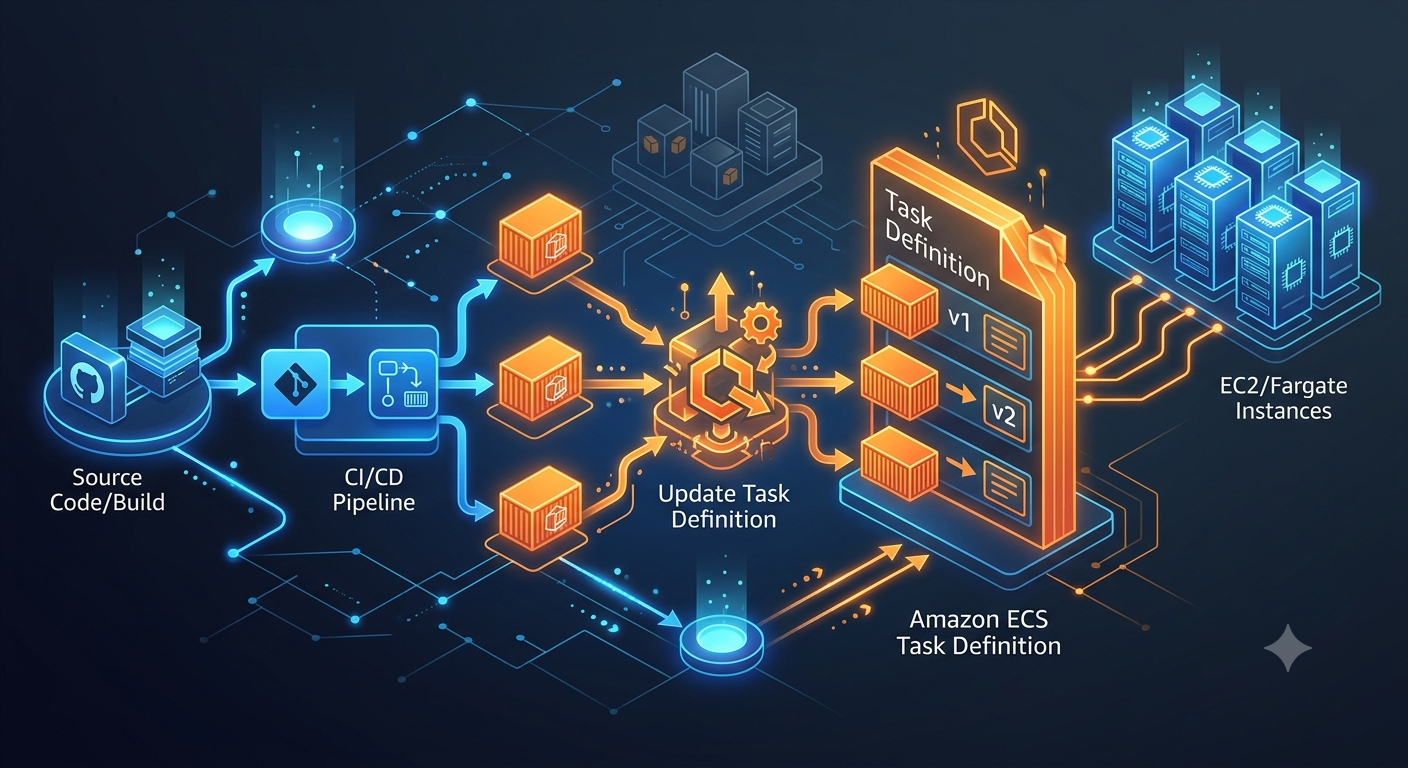
Even when an Amazon ECS task definition contains multiple containers such as a backend and a frontend, you can update all container images by chaining aws-actions/amazon-ecs-render-task-definition.
For the basic OIDC-based GitHub Actions deployment to ECS, see Automated Deployment to ECS Using GitHub Actions. This article focuses on the differences for multi-container setups.
Example Directory Structure
.
├── .aws
│   └── task-definition.json
├── .github
│   └── workflows
│       └── deploy.yml
├── backend
│   └── docker
│       └── Dockerfile
└── frontend
    └── docker
        └── Dockerfile
Key Idea
amazon-ecs-render-task-definition updates the image for only one specific container in the task definition JSON.
When there are multiple containers, pass the output of the first render step into the second step’s task-definition input. Then pass the final task definition, with both images updated, to amazon-ecs-deploy-task-definition.
Workflow Configuration Example
Prepare environment variables as follows:
env:
  AWS_REGION: ap-northeast-1
  ECR_REPOSITORY_BACKEND: my-backend
  ECR_REPOSITORY_FRONTEND: my-frontend
  ECS_SERVICE: my-service
  ECS_CLUSTER: my-cluster
  ECS_TASK_DEFINITION: .aws/task-definition.json
  CONTAINER_NAME_BACKEND: backend
  CONTAINER_NAME_FRONTEND: frontend
Grant id-token: write for OIDC, and assume an IAM role for AWS authentication.
permissions:
  id-token: write
  contents: read

steps:
  - name: Configure AWS credentials
    uses: aws-actions/configure-aws-credentials@v1
    with:
      role-to-assume: ${{ secrets.ROLE_TO_ASSUME }}
      aws-region: ${{ env.AWS_REGION }}
Build and push images for each container.
- name: Build, tag, and push backend image to Amazon ECR
  id: build-image-backend
  env:
    ECR_REGISTRY: ${{ steps.login-ecr.outputs.registry }}
    IMAGE_TAG: ${{ github.sha }}
  run: |
    docker build -t $ECR_REGISTRY/$ECR_REPOSITORY_BACKEND:$IMAGE_TAG -f ./backend/docker/Dockerfile .
    docker push $ECR_REGISTRY/$ECR_REPOSITORY_BACKEND:$IMAGE_TAG
    echo "image=$ECR_REGISTRY/$ECR_REPOSITORY_BACKEND:$IMAGE_TAG" >> $GITHUB_OUTPUT

- name: Build, tag, and push frontend image to Amazon ECR
  id: build-image-frontend
  env:
    ECR_REGISTRY: ${{ steps.login-ecr.outputs.registry }}
    IMAGE_TAG: ${{ github.sha }}
  run: |
    docker build -t $ECR_REGISTRY/$ECR_REPOSITORY_FRONTEND:$IMAGE_TAG -f ./frontend/docker/Dockerfile .
    docker push $ECR_REGISTRY/$ECR_REPOSITORY_FRONTEND:$IMAGE_TAG
    echo "image=$ECR_REGISTRY/$ECR_REPOSITORY_FRONTEND:$IMAGE_TAG" >> $GITHUB_OUTPUT
The important part is chaining the render steps.
- name: Fill in the new backend image ID in the Amazon ECS task definition
  id: task-def-backend
  uses: aws-actions/amazon-ecs-render-task-definition@v1
  with:
    task-definition: ${{ env.ECS_TASK_DEFINITION }}
    container-name: ${{ env.CONTAINER_NAME_BACKEND }}
    image: ${{ steps.build-image-backend.outputs.image }}

- name: Fill in the new frontend image ID in the Amazon ECS task definition
  id: task-def
  uses: aws-actions/amazon-ecs-render-task-definition@v1
  with:
    task-definition: ${{ steps.task-def-backend.outputs.task-definition }}
    container-name: ${{ env.CONTAINER_NAME_FRONTEND }}
    image: ${{ steps.build-image-frontend.outputs.image }}

- name: Deploy Amazon ECS task definition
  uses: aws-actions/amazon-ecs-deploy-task-definition@v1
  with:
    task-definition: ${{ steps.task-def.outputs.task-definition }}
    service: ${{ env.ECS_SERVICE }}
    cluster: ${{ env.ECS_CLUSTER }}
    wait-for-service-stability: true
Configuration Notes
- Pass the first render output (
steps.task-def-backend.outputs.task-definition) into the second step’stask-definition - Deploy the final artifact (
steps.task-def.outputs.task-definition) - Make sure
CONTAINER_NAME_*matches the container names incontainerDefinitionsof the task definition
References
This article was generated by Gemini from Gemini conversation logs.