How to View ECS Logs in CloudWatch
This article explains how to view ECS logs in CloudWatch.
References
- Example Amazon ECS task definition: Route logs to CloudWatch
- Using CloudWatch Logs with interface VPC endpoints
Prerequisite
- Your project is already deployed to ECS
For more information, follow this instruction.
Configuration Steps
1. Add logConfiguration
Add a logConfiguration section to your task-definition.json file:
task-definition.json:
{
    "requiresCompatibilities": [
        "FARGATE"
    ],
    "family": "my-fargate",
    "containerDefinitions": [
        {
            "name": "my-container",
            ...
            // Add logConfiguration
            "logConfiguration": {
                "logDriver": "awslogs",
                "options": {
                    "awslogs-create-group": "true",
                    "awslogs-group": "my-log-group",
                    "awslogs-region": "ap-northeast-1",
                    "awslogs-stream-prefix": "my-container"
                }
            },
            ...
Here are the explanations for each option:
| Option | Description |
|---|---|
| awslogs-create-group | When set to true, the log group is created automatically. |
| awslogs-group | The name of the log group where logs will be sent. |
| awslogs-region | The region where the log group exists. |
| awslogs-stream-prefix | The prefix used for log streams. |
2. Create VPC Endpoint
Create a VPC Endpoint for CloudWatch Logs if your ECS containers are in private subnets.
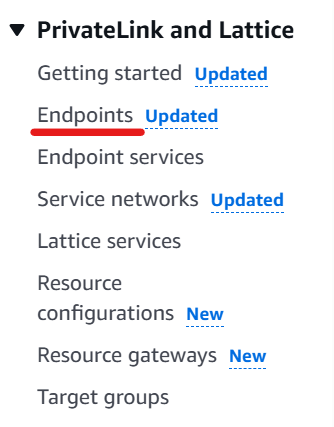
Go to VPC on AWS Management Console.
Click “Endpoints”.
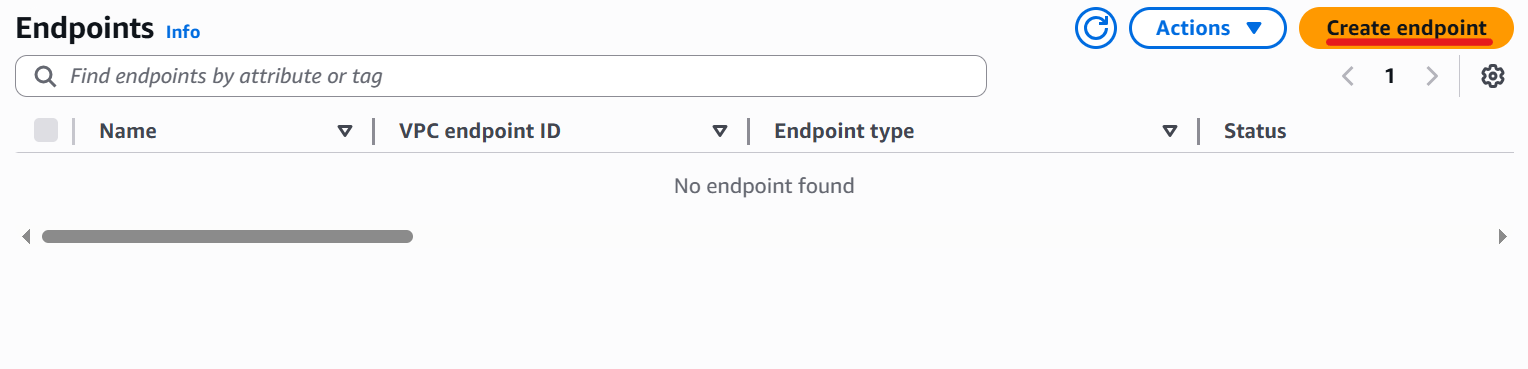
Click “Create endpoint”.
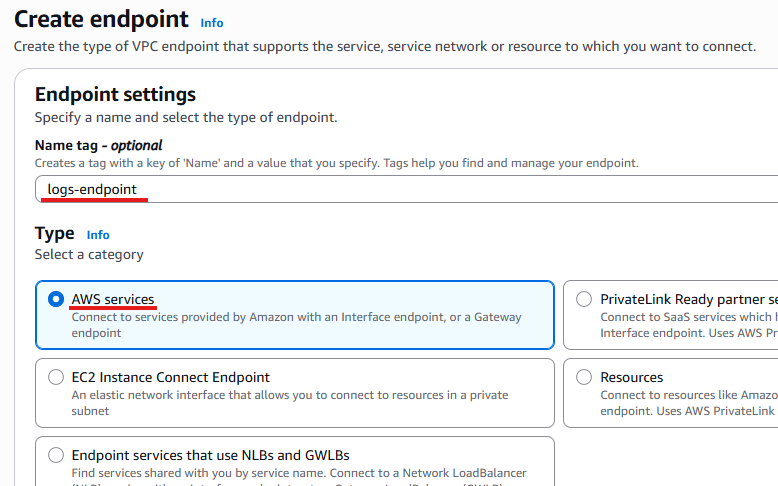
Enter a name and select “AWS services” for the Type.
Choose com.amazonaws.region.logs.
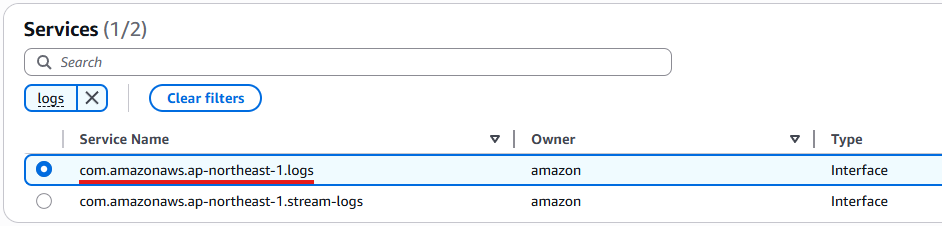
Select your VPC, private subnets and security group for private.
Click “Create endpoint”.
3. Edit ECS Task Execution IAM Role
Add a policy that allows the ECS task execution IAM role to create log groups.
For details about this IAM role, see this article.
Add a policy like the following:
{
    "Version": "2012-10-17",
    "Statement": [
        {
            "Sid": "VisualEditor0",
            "Effect": "Allow",
            "Action": "logs:CreateLogGroup",
            "Resource": "arn:aws:logs:<Your log group region>:<Your Account ID>:log-group:*"
        }
    ]
}
If your ECS task execution IAM role doesn’t include logs:CreateLogStream and logs:PutLogEvents, you may need to add them to the policy above.
Once everything is set up, you should be able to view ECS logs in CloudWatch after deploying your service.